
Certificates are rapidly replacing passwords as the foundation of secure authentication. As organizations move toward passwordless and zero trust access models, automated certificate enrollment has become essential for securely onboarding devices and users at scale.
Portnox delivers cloud-native SCEP solutions that simplify certificate enrollment, reduce credential risk, and strengthen access control across modern enterprise environments.



SCEP (Simple Certificate Enrollment Protocol) automates the process of certificate enrollment between devices and a certificate authority (CA).
It allows a SCEP client to request and obtain a client certificate from a SCEP server without manual intervention. This automation supports scalable certificate issuance across enterprise environments.
SCEP is commonly used with Microsoft Intune, Active Directory Certificate Services, and network device enrollment service (NDES) deployments to streamline certificate management while maintaining strong security controls.
By simplifying certificate enrollment, SCEP enables secure device authentication using digital certificates instead of passwords.

Password-based authentication creates ongoing risk. Credential reuse, phishing attacks, and user error continue to expose enterprise environments.
Without automated certificate enrollment, organizations often struggle with:
The Simple Certificate Enrollment Protocol (SCEP) enables automated, secure certificate issuance, eliminating reliance on shared credentials and strengthening device trust.
SCEP is not just a protocol, it is a critical enabler of certificate-based authentication within passwordless and zero trust access strategies.

Portnox delivers SCEP as a cloud-native service, eliminating complex infrastructure and reducing deployment friction.
The platform:
Because Portnox is cloud-native, organizations avoid managing on-prem SCEP servers while accelerating time to value. Certificate enrollment, policy enforcement, and renewal processes are centralized and scalable across distributed environments.

Enterprises choose Portnox for SCEP because it modernizes certificate enrollment without infrastructure complexity. Portnox brings certificate expertise and access security together in a unified platform.
Key differentiators include:
Portnox also strengthens compliance by supporting:

SCEP is especially valuable in BYOD and unmanaged device environments where full mobile device management may not be feasible.
With SCEP-issued device certificates, organizations can establish trusted authentication without deploying invasive agents or enforcing full device control.
This enables:
SCEP becomes a foundational element of secure BYOD access strategies.
SCEP-issued certificates are commonly used in 802.1X authentication workflows.
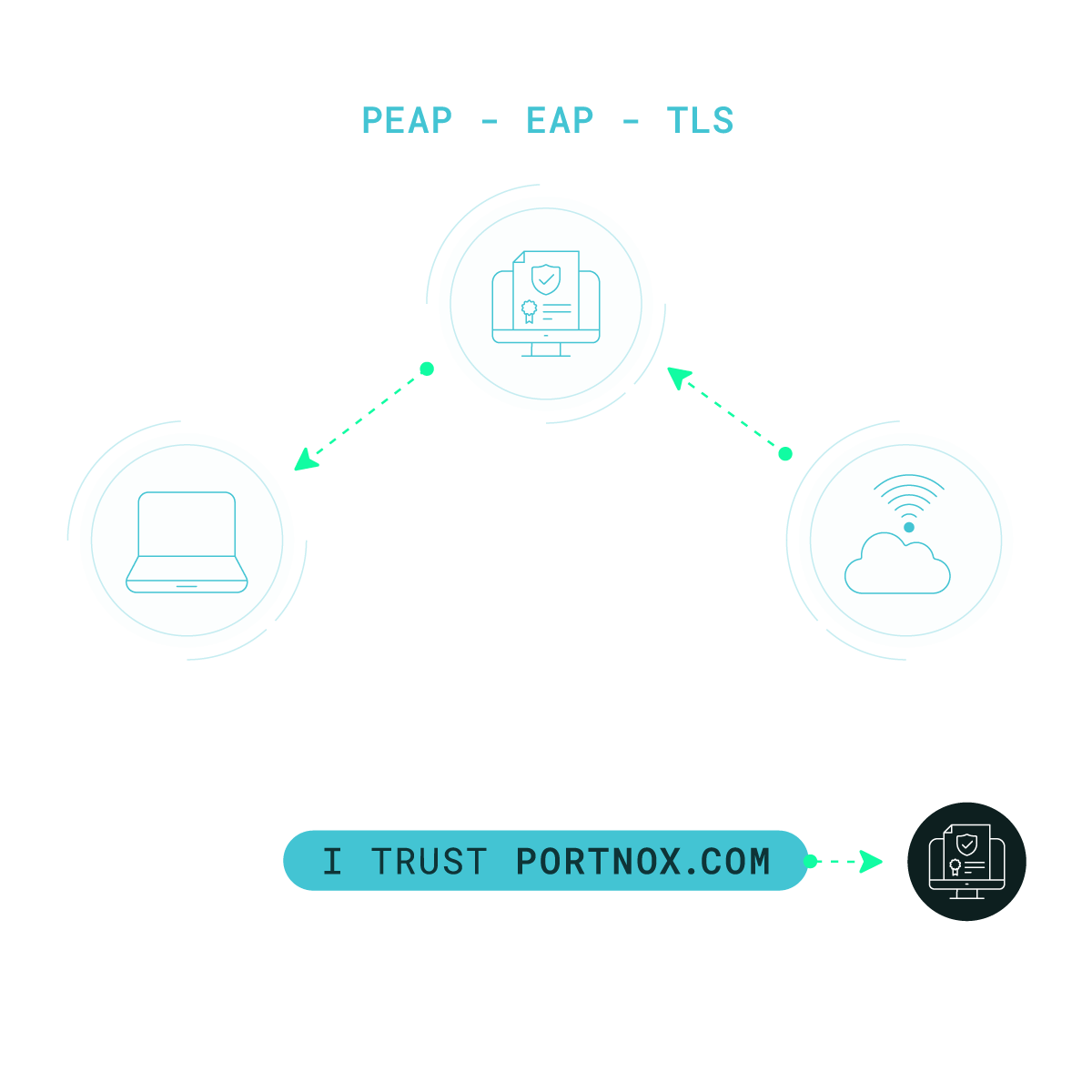
When a device connects to the network, its client certificate is presented during the TLS authentication process. The authentication server validates the certificate against trusted certificate authorities, enabling secure network access without passwords.
By combining SCEP, digital certificates, and 802.1X, organizations enforce identity-based access control across wired and wireless environments.
Portnox integrates certificate enrollment with NAC and access control policies to deliver end-to-end enforcement. Certificate-based authentication integrates directly with RADIUS and 802.1X enforcement points, ensuring consistent policy across wired, wireless, and remote access environments.
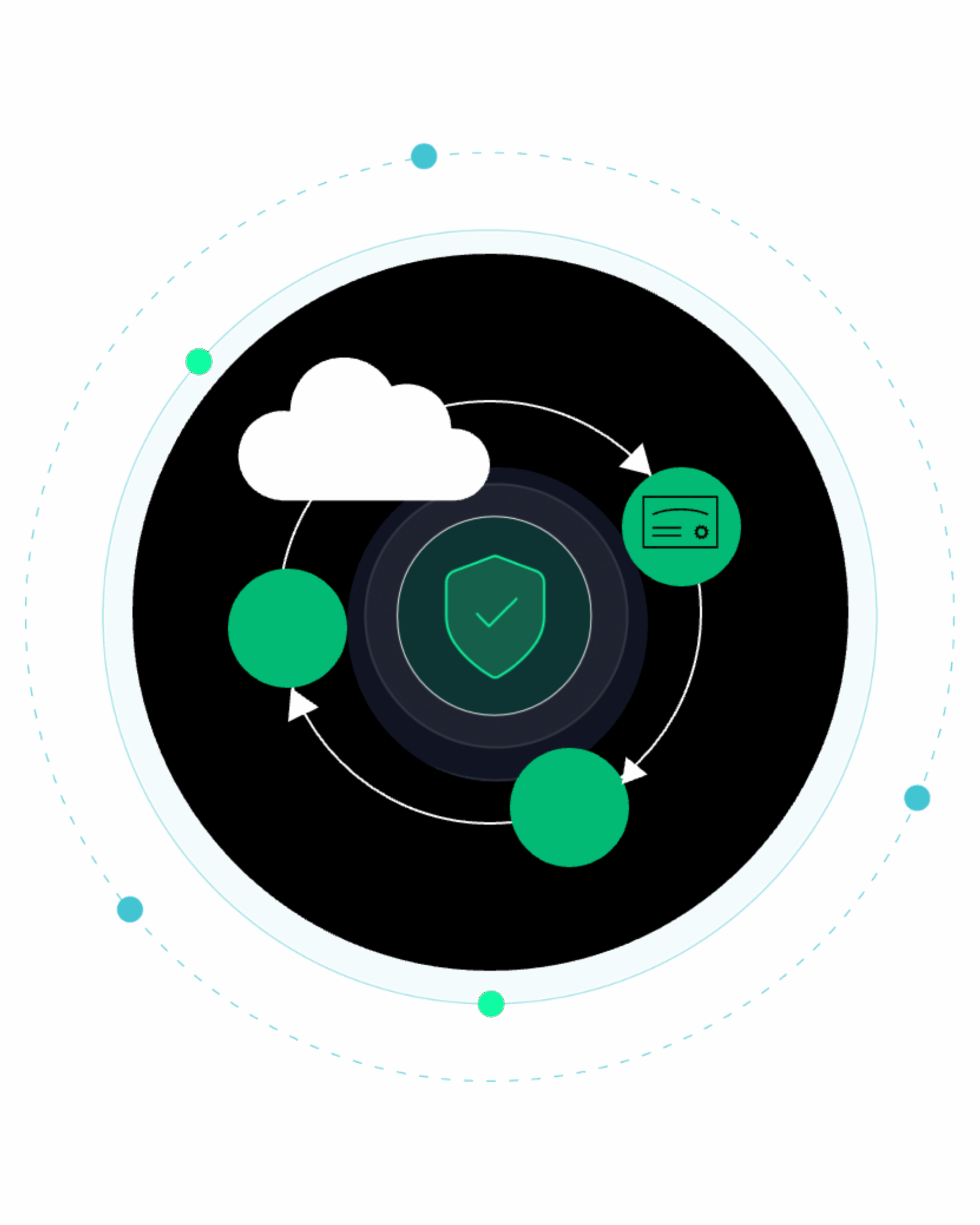
Portnox also integrates with MDM solutions like JAMF and InTune, so your mobile devices can join the passwordless party as well. And with self-onboarding, once you get your SCEP server set up, your users can download the certificates and connect without IT lifting a finger.
Staying ahead in IT means strengthening cybersecurity—and zero trust architectures now lead the charge. But let’s face it: embracing zero trust can feel daunting. With so many tools and complexities, it’s easy to lose your way.
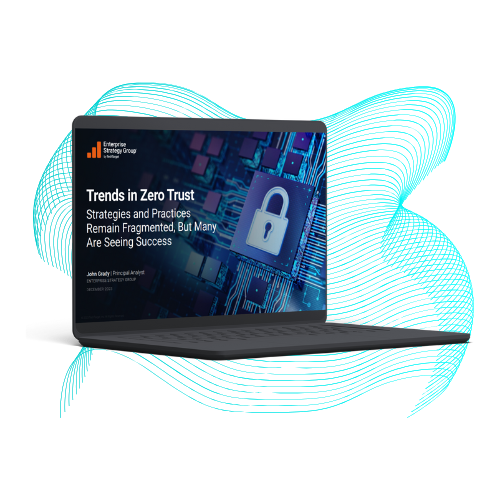
To understand how organizations navigate zero trust, Portnox teamed up with TechTarget. We surveyed hundreds of IT and cybersecurity professionals across North America. Discover the insights we uncovered in our Trends in Zero Trust report.
SIMPLE CERTIFICATE ENROLLEMENT PROTOCOL (SCEP)
SCEP (Simple Certificate Enrollment Protocol) is a protocol that automates certificate enrollment between devices and a certificate authority. Organizations use SCEP to issue digital certificates at scale for secure, certificate-based device authentication without manual provisioning.
SCEP allows a SCEP client to submit a certificate signing request to a SCEP server. The certificate authority validates the request and issues a client certificate, enabling secure authentication using cryptographic identity instead of passwords.
SCEP supports zero trust security by enabling strong, device-based authentication without relying on shared credentials. Certificate-based identity ensures devices are uniquely verified before access is granted, reducing spoofing and unauthorized access risk.
SCEP supports passwordless authentication by issuing digital certificates that replace or supplement user credentials during authentication workflows. Devices authenticate using certificates rather than passwords, significantly reducing phishing risk and eliminating credential reuse across applications and networks.
SCEP works with 802.1X by issuing client certificates used during TLS-based authentication. When a device connects to the network, its certificate validates identity, enabling secure network access without password-based login.
Yes. Modern SCEP solutions allow organizations to securely enroll certificates during device onboarding, extending certificate-based trust to BYOD and unmanaged devices while maintaining strong access control policies.
Portnox delivers SCEP as a cloud-native service that automates certificate issuance, renewal, and revocation across distributed environments. It integrates certificate-based authentication into unified access control workflows without requiring complex on-prem infrastructure.
After completing the form, an email will be sent to you with the report download link.